
Resize PNG Images Online Without Losing Quality
Resize JPG, PNG, SVG, or GIF by defining new height and width in pixels. Change image dimensions in bulk.
Resize PNG images online in seconds. Adjust dimensions, reduce file size, and maintain transparency with our fast and secure PNG image resizer.
PNG Resizer Features
1. Instant PNG Resizing
Resize PNG images instantly in your browser without installing any software. Upload your image, set the dimensions, click resize and download the resized PNG in seconds.
2. Resize PNG by Dimensions
Change PNG image width and height easily. You can resize PNG images by exact pixel dimensions such as 1920×1080, 1080×1080, or 300×300.
3. Reduce PNG File Size
Large PNG images can slow down websites. Our PNG resizer helps reduce file size while keeping the image clear and sharp.
4. Maintain PNG Transparency
PNG images often contain transparent backgrounds. Our tool preserves transparency while resizing your PNG images.
5. Multiple Resize Options
Choose how you want to resize PNG images:
Resize by pixels
Resize by percentage
Maintain aspect ratio
6. High-Quality Image Processing
Our advanced image processing keeps your PNG images sharp and clear even after resizing.
7. Secure Image Processing
Your images are processed securely and are not stored on our servers, ensuring full privacy.
8. Works on Any Device
Resize PNG images on desktop, tablet, or mobile directly from your browser without downloading apps.
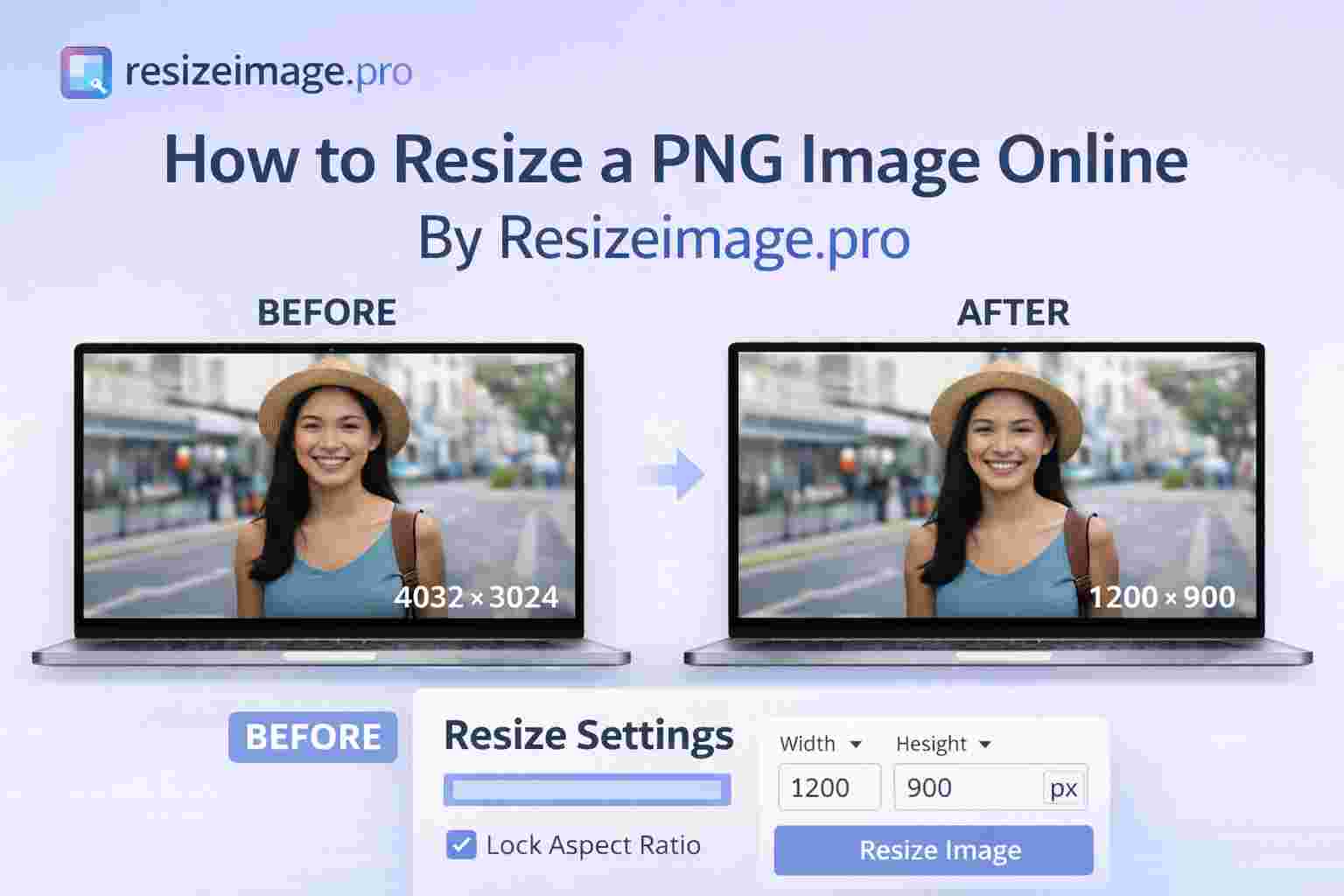
How to Resize a PNG Image Online By Resizeimage.pro
Resizing a PNG image online is simple and takes only a few seconds. Follow these steps to quickly change the dimensions or file size of your PNG image without losing quality.
1. Upload Your PNG Image
Visit Resizeimage.pro then Click on Select Image button and choose the PNG file you want to resize from your device.
2. Set the Desired Dimensions
Enter the new width and height in pixels, or choose to resize the image by percentage while keeping the aspect ratio.
3. Start the Resizing Process
Click the Resize PNG button to process the image using our fast PNG resizing tool.
4. Download the Resized Image
Once the resizing is complete, download your resized PNG image instantly to your device.

Resize PNG Image by Dimensions
Resizing a PNG image by dimensions allows you to set the exact width and height in pixels to match your specific needs. This is useful when preparing images for websites, social media, presentations, or documents where precise image sizes are required.
With our Online image resizer, you can easily change the dimensions of your PNG image while maintaining its quality and transparency. Simply upload your image, enter the desired width and height, and download the resized PNG instantly.
Common dimension examples include:
1920 × 1080 for website banners
1080 × 1080 for Instagram posts
512 × 512 for app icons
300 × 300 for profile pictures
You can also enable maintain aspect ratio to ensure the image proportions stay correct when resizing. This prevents distortion and keeps your PNG images looking sharp and professional.
Resize PNG While Keeping Transparency
PNG images are widely used because they support transparent backgrounds, making them ideal for logos, icons, and graphic elements. When resizing a PNG image, it’s important to maintain this transparency so the image blends perfectly with different backgrounds.
Our PNG resizer tool preserves the transparent background while adjusting the image dimensions. This means you can resize your PNG files without adding unwanted background colors or losing image clarity.
Whether you are resizing a logo, icon, or design graphic, the tool ensures the PNG format and transparency remain intact. Simply upload your PNG image, set the desired dimensions, and download the resized image instantly with the same transparent background.
This makes it easy to optimize PNG images for websites, social media graphics, and digital designs while maintaining professional quality.
Frequently Asked Questions
How do I resize a PNG image online?
Upload your PNG file, enter the width and height in pixels, and download the resized image instantly using the Resizeimage.pro PNG resizer.
Can I resize PNG without losing quality?
Yes. The PNG resizer adjusts image dimensions while maintaining image clarity and transparency.
Can I resize PNG by pixels?
Yes. You can set the exact width and height in pixels to resize PNG images precisely.
Can I resize PNG by percentage?
Yes. PNG images can be resized by percentage scaling while keeping the aspect ratio.
Does resizing PNG remove transparency?
No. PNG transparency is preserved during the resizing process.
Is the PNG resizer free?
Yes. Resizeimage.pro allows you to resize PNG images online for free.
Can I resize PNG on mobile?
Yes. The PNG resizer works on desktop, tablet, and mobile browsers.
What formats can I resize besides PNG?
You can also resize JPG, JPEG, GIF, and WEBP images.