
Resize Image Online - Resize JPG, BMP, GIF, PNG images
Resize image online free with our fast and secure image resizer. Easily adjust JPG, PNG, BMP, and GIF images. No watermark, mobile-friendly, instant download.
Resize Image Online - Resize JPG, BMP, GIF, PNG images
ResizeImage.pro is a fast, secure, and professional image resizer that lets you resize image files instantly without software or registration. Whether you need to resize images for websites, social media, online forms, or digital documents, our free online image resizer delivers high-quality results in seconds.
Designed for simplicity and performance, ResizeImage.pro works directly in your browser and supports all major image formats.
What is an Image Resizer?
An image resizer is a tool that changes the dimensions or file size of an image while maintaining visual clarity. Resizing helps meet upload limits, improve website speed, and optimize images for digital platforms.
With ResizeImage.pro, you can:
Resize image by pixels (e.g., 600x600, 1200x628)
Resize image to exact KB size (20KB, 50KB, 100KB)
Resize photo for passport size
Resize image for social media formats
Resize image for online application forms
Our smart resizing algorithm balances clarity and compression to deliver the best possible output quality.
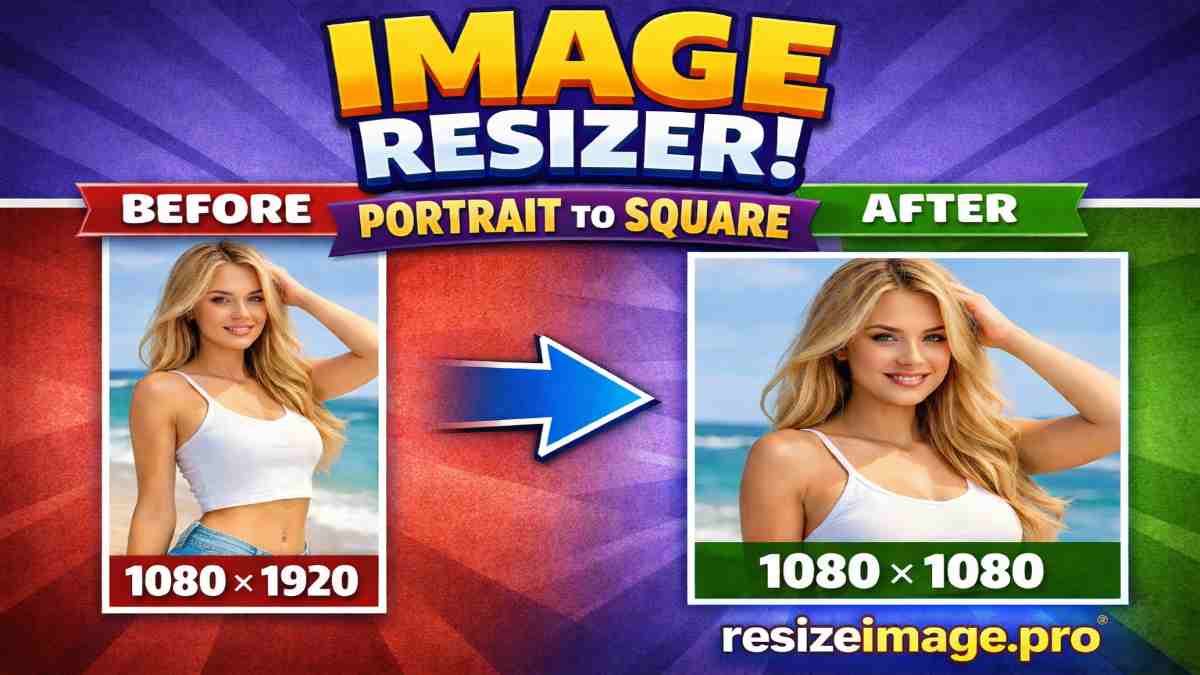
How to Resize Image Online (Step-by-Step Guide)
Upload your image file.
Choose resize method (Dimensions or Target KB).
Enter your required size.
Click “Resize Image”.
Download your optimized image instantly.
No installation. No watermark. No hidden charges.
Why Choose ResizeImage.pro?
⚡ Instant Resizing – Upload, resize, and download in seconds.
🟢 100% Free – No signup, no hidden fees.
🚫 No Watermark – Clean, professional images every time.
🔒 Secure & Private – Your images are processed safely.
📱 Works Everywhere – Mobile, tablet, and desktop friendly.
Fast. Simple. Reliable.
Everything you need in a professional image resizer — nothing you don’t.
Why Image Resizing Matters for SEO & Performance
Optimized images improve page load speed and user experience. Faster websites rank better in search engines and reduce bounce rates.
When images are properly resized:
Pages load faster
Mobile experience improves
Bandwidth usage decreases
Visual layout remains consistent
This builds technical authority.
Resize Image Online for Every Use Case
Resize Images for Websites & Blogs
Ensure images fit layouts perfectly and improve performance.
Resize Images for Social Media
Match exact dimensions for Instagram, Facebook, LinkedIn, and other platforms.
Resize Images for Online Forms & Portals
Adjust images to meet profile photo or document upload requirements.
Resize Images for Professional Projects
Maintain consistent dimensions across presentations and digital assets.
This captures commercial + practical intent.
Supported Image Formats
ResizeImage.pro supports:
JPG / JPEG
PNG
BMP
GIF
Upload your image and resize instantly without complicated steps.
Our Commitment to Security & Privacy
At ResizeImage.pro, your privacy and data security come first. We understand that images may contain personal or professional information, which is why our image resizer is built with privacy-focused technology from the ground up.
🌐 All Processing Happens in Your Browser
Your images are resized directly within your browser session using client-side technology. Files are not permanently stored on external servers.
🔒 Secure & Encrypted Connection
All activity on ResizeImage.pro runs over HTTPS, ensuring a secure and encrypted environment while you use the tool.
🛡 No Permanent File Storage
We do not save, archive, or retain your uploaded images. Files are automatically cleared after processing.
🚫 No Third-Party Sharing
Your images are never shared, sold, or transferred to third-party services. We do not use uploaded files for marketing, analysis, or tracking purposes.
👤 No Account Required
You can resize images without signing up or submitting personal information.
⚙ Privacy-First Architecture
Our browser-based image resizer is designed to minimize data exposure and maximize user control.
Resize Image Online for Every Use Case
ResizeImage.pro is built to solve real-world image resizing needs. Whether you're working on a website, applying online, or managing social media, our image resizer helps you get the exact dimensions you need — quickly and securely.
📱 Resize Images for Social Media
Ensure your images display perfectly without cropping or distortion.
Use our image resizer for:
Instagram posts and profile photos
Facebook cover images
LinkedIn banners
Twitter/X posts
YouTube thumbnails
Properly resized images improve engagement and visual quality.
🌐 Resize Images for Websites & Blogs
Large images slow down websites and affect performance. Resize images before uploading to:
Improve page speed
Maintain consistent layouts
Optimize user experience
Enhance SEO performance
Perfect for bloggers, developers, and online businesses.
📝 Resize Images for Online Forms & Applications
Many portals require images that meet specific dimension guidelines. Quickly adjust your image size for:
Profile photo uploads
Registration forms
ID or document submissions
Exam and recruitment portals
Avoid rejection due to incorrect image dimensions.
💼 Resize Images for Business & Marketing
Maintain a professional look across digital assets:
Email campaigns
Online advertisements
Company presentations
Product listings
E-commerce platforms
Consistent image sizing improves brand credibility.
🎨 Resize Images for Creative & Personal Projects
Whether you're organizing digital albums or preparing visuals for creative work, resizing ensures images fit your design and layout needs.
One Image Resizer, Unlimited Possibilities
No matter your goal, ResizeImage.pro gives you precise dimension control with fast, secure, browser-based processing.
Frequently Asked Questions
What is an image resizer?
An image resizer is an online tool that allows you to resize images by adjusting their width and height. ResizeImage.pro helps you resize JPG, PNG, BMP, and GIF images quickly without losing clarity, making it easier to meet platform or layout requirements.
How do I resize an image online?
To resize an image online using ResizeImage.pro: Upload your image file. Enter your desired dimensions. Maintain or adjust aspect ratio. Click “Resize Image.” Download your resized image instantly. No software installation or technical skills are required.
Does resizing an image reduce quality?
Resizing changes image dimensions. If scaled properly, quality remains clear and sharp. ResizeImage.pro uses optimized resizing logic to maintain visual integrity while adjusting size.
. Do you store or share uploaded images?
No. We do not permanently store, sell, or share uploaded images. Files are processed securely and automatically cleared after resizing. Your images remain private and under your control.
Is it safe to resize images online?
Yes. ResizeImage.pro uses secure, browser-based processing. All resizing happens within your browser session, and files are not permanently stored on external servers.
What image formats are supported?
Our image resizer supports: JPG / JPEG PNG BMP GIF You can upload and resize these formats instantly without complex conversions.
What is the difference between image resizing and image compression?
Image resizing adjusts the dimensions (width and height). Image compression reduces file size while keeping dimensions the same. If you need to fit an image into a specific layout or display size, resizing is the correct method.
Why should I use an online image resizer instead of software?
An online image resizer like ResizeImage.pro allows instant resizing without downloading or installing software. It saves time, works across devices, and offers secure browser-based processing.
Who should use ResizeImage.pro?
ResizeImage.pro is ideal for: Website owners Bloggers Social media managers Students Professionals Digital marketers Anyone who needs to resize images online quickly
Why choose ResizeImage.pro over other image resizer tools?
ResizeImage.pro combines: Fast resizing 100% free access No watermark Secure browser-based processing Multi-format support No signup requirement This makes it a reliable and trusted image resizer for everyday digital needs.
Can I resize images on mobile?
Yes. ResizeImage.pro works on desktop, tablet, and mobile devices. The interface is fully responsive and optimized for all screen sizes.
Can I resize multiple images at once?
Currently, ResizeImage.pro allows you to resize images individually to ensure precision and quality control. This approach helps maintain accurate dimensions and better output results for each image.
Is ResizeImage.pro a free image resizer?
Yes, ResizeImage.pro is completely free to use. There are no hidden charges, subscriptions, or usage limits. You can resize images online anytime without paying.